> ## Documentation Index
> Fetch the complete documentation index at: https://defibyexample.com/llms.txt
> Use this file to discover all available pages before exploring further.
# Lending Tutorial
> Step-by-step guide to DeFi lending and borrowing
Now that you understand how lending and borrowing work, your next step is to try it out.
This article will walk you through lending and borrowing on Scallop: a popular lending protocol on the Sui blockchain. The process is similar across major lending protocols, regardless of the blockchain you’re using.
## Lending Tutorial
Visit the website of the lending protocol you want to lend to or borrow from. You can easily choose by comparing the APR across lending protocols.
Scallop is live at [Scallop.io](http://Scallop.io). Visit the app and connect your wallet to get started.
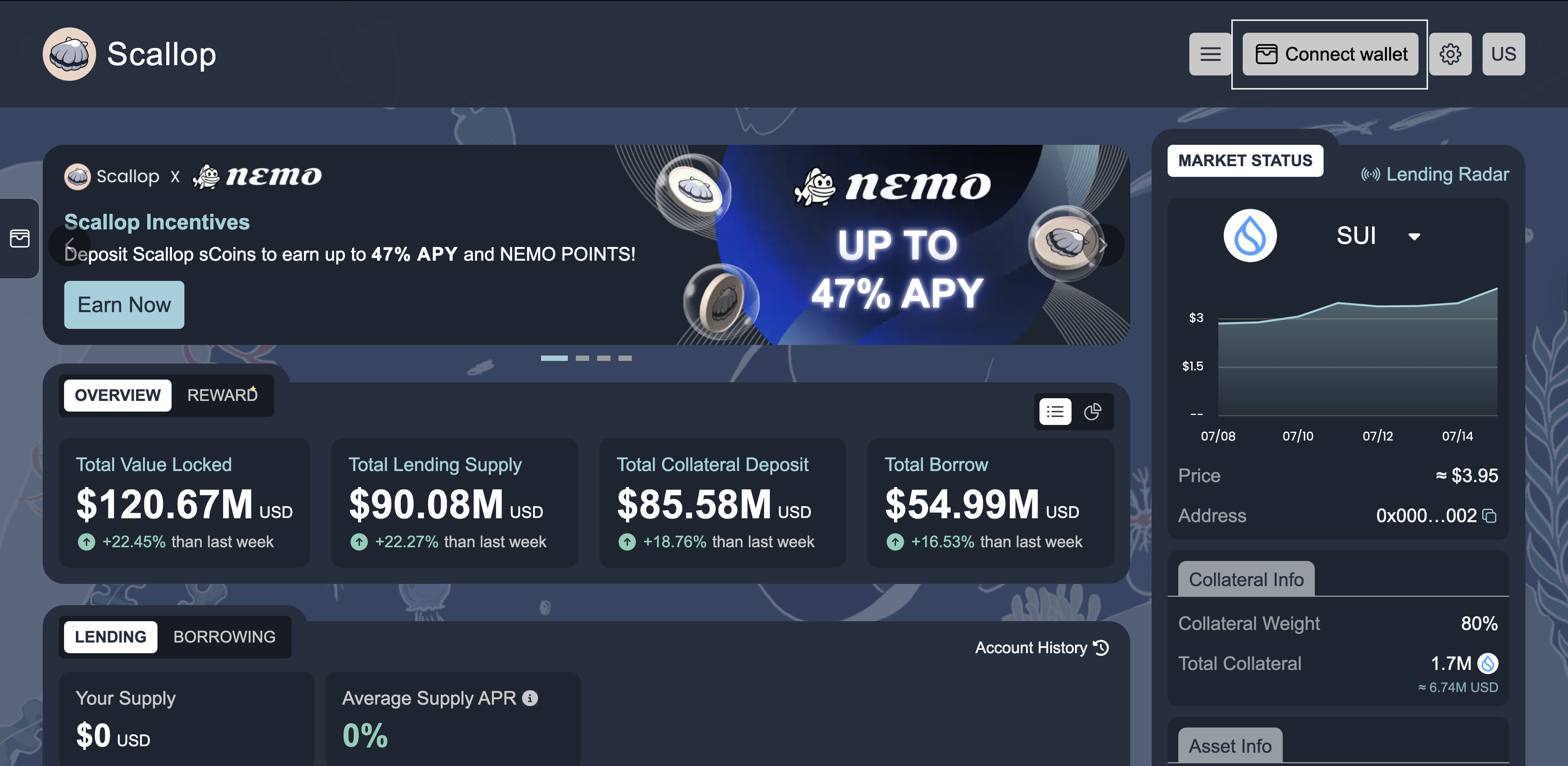
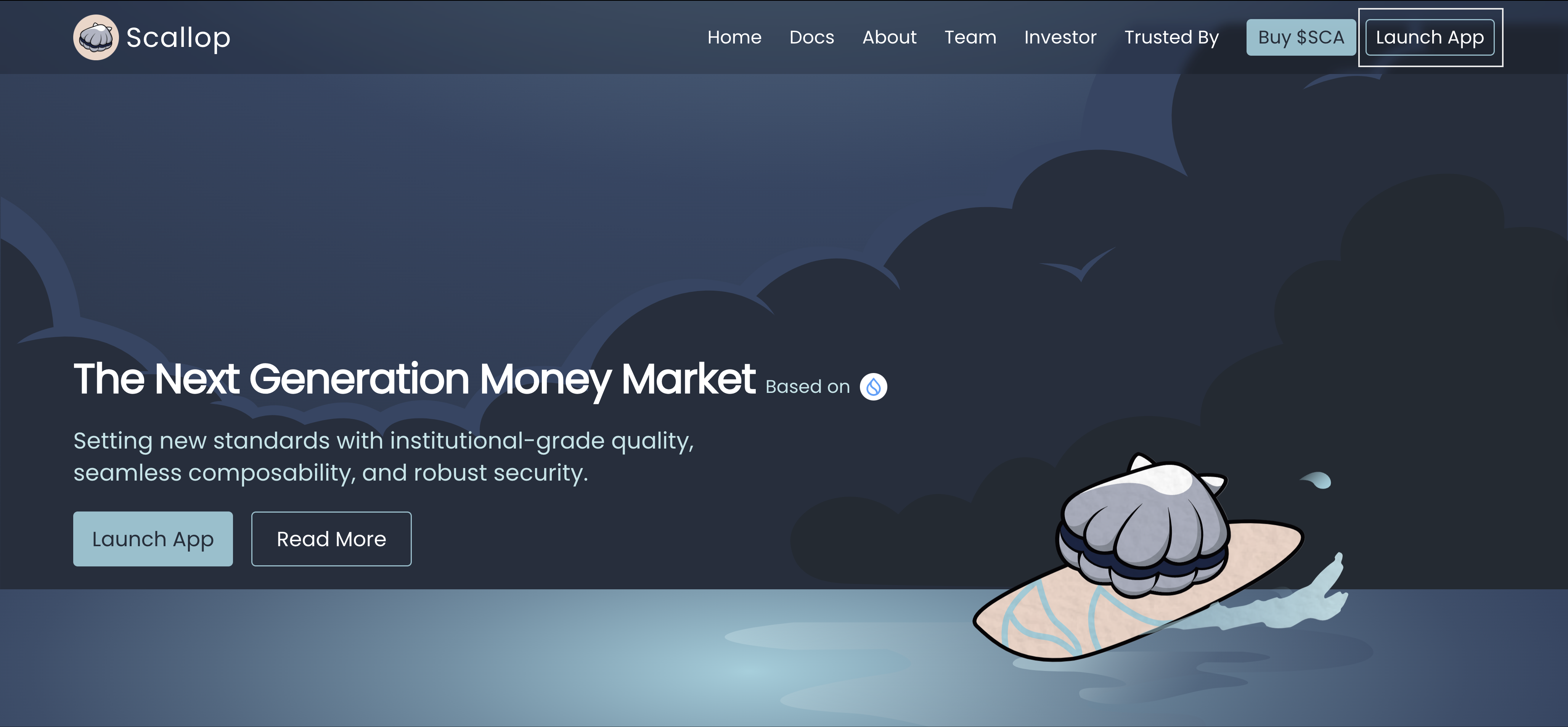 Click on the "Connect Wallet" button in the top right corner of the page. Select your wallet provider and follow the prompts to connect.
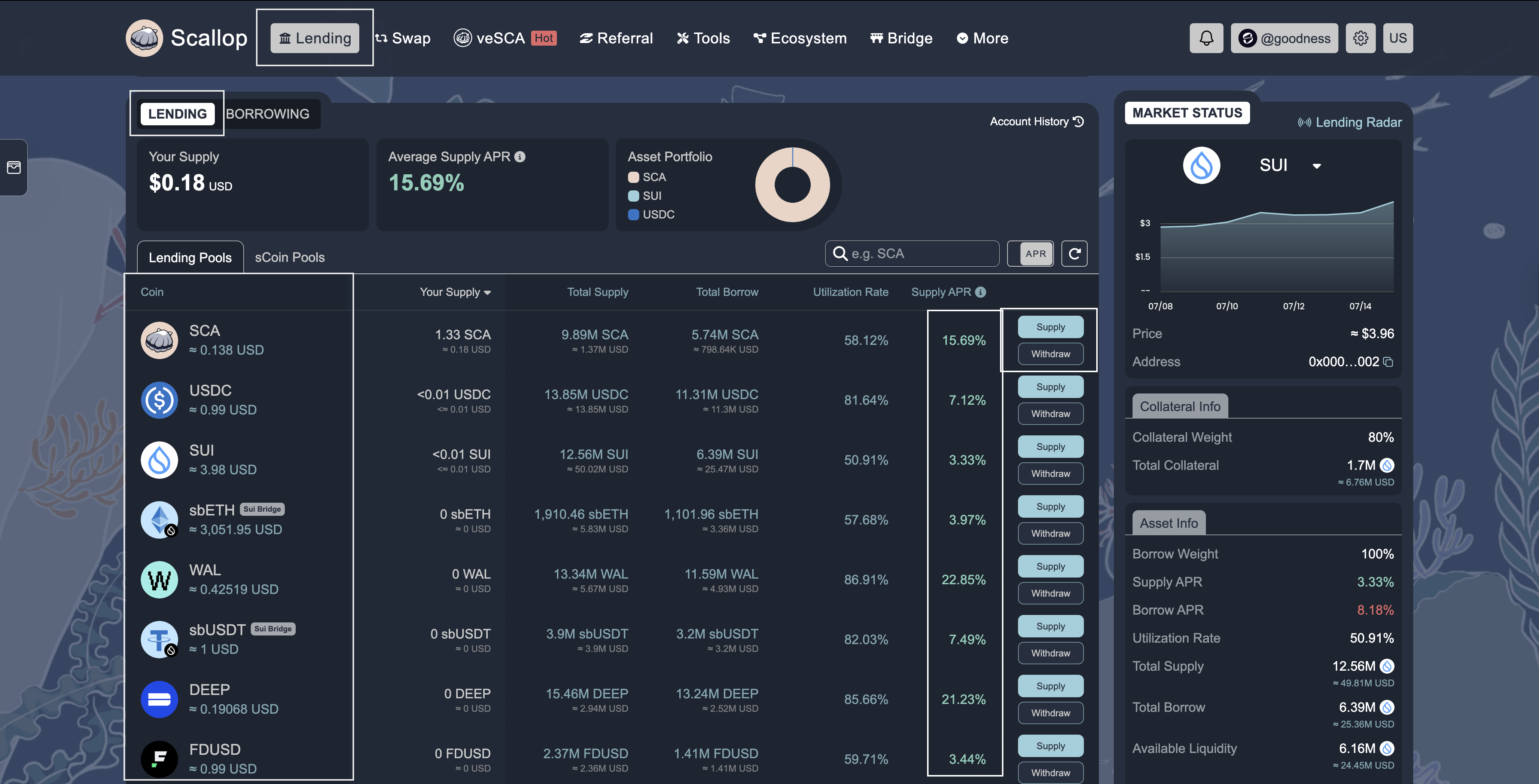
 Navigate to the "Lend" tab to view available assets for lending. You'll see a list of supported tokens and their current APY rates.
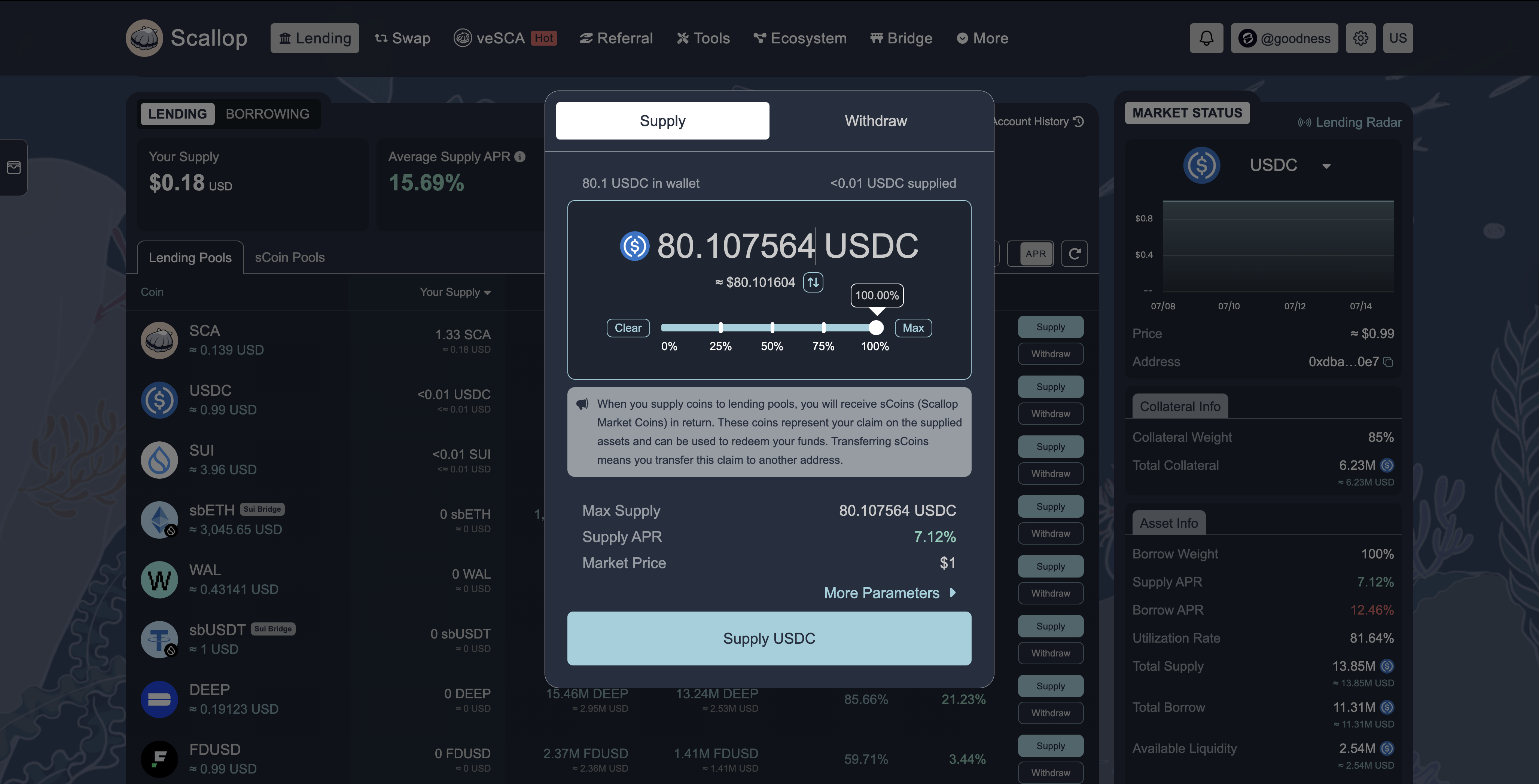
 Select the asset you wish to lend, enter the amount, and confirm the transaction in your wallet.
Once approved, your assets will start earning interest immediately.
Select the asset you wish to lend, enter the amount, and confirm the transaction in your wallet.
Once approved, your assets will start earning interest immediately.
 ## Borrowing Tutorial
To borrow assets, you'll first need to supply collateral to secure your loan.
Switch to the "Borrow" tab to see available assets for borrowing and their respective interest rates.
## Borrowing Tutorial
To borrow assets, you'll first need to supply collateral to secure your loan.
Switch to the "Borrow" tab to see available assets for borrowing and their respective interest rates.
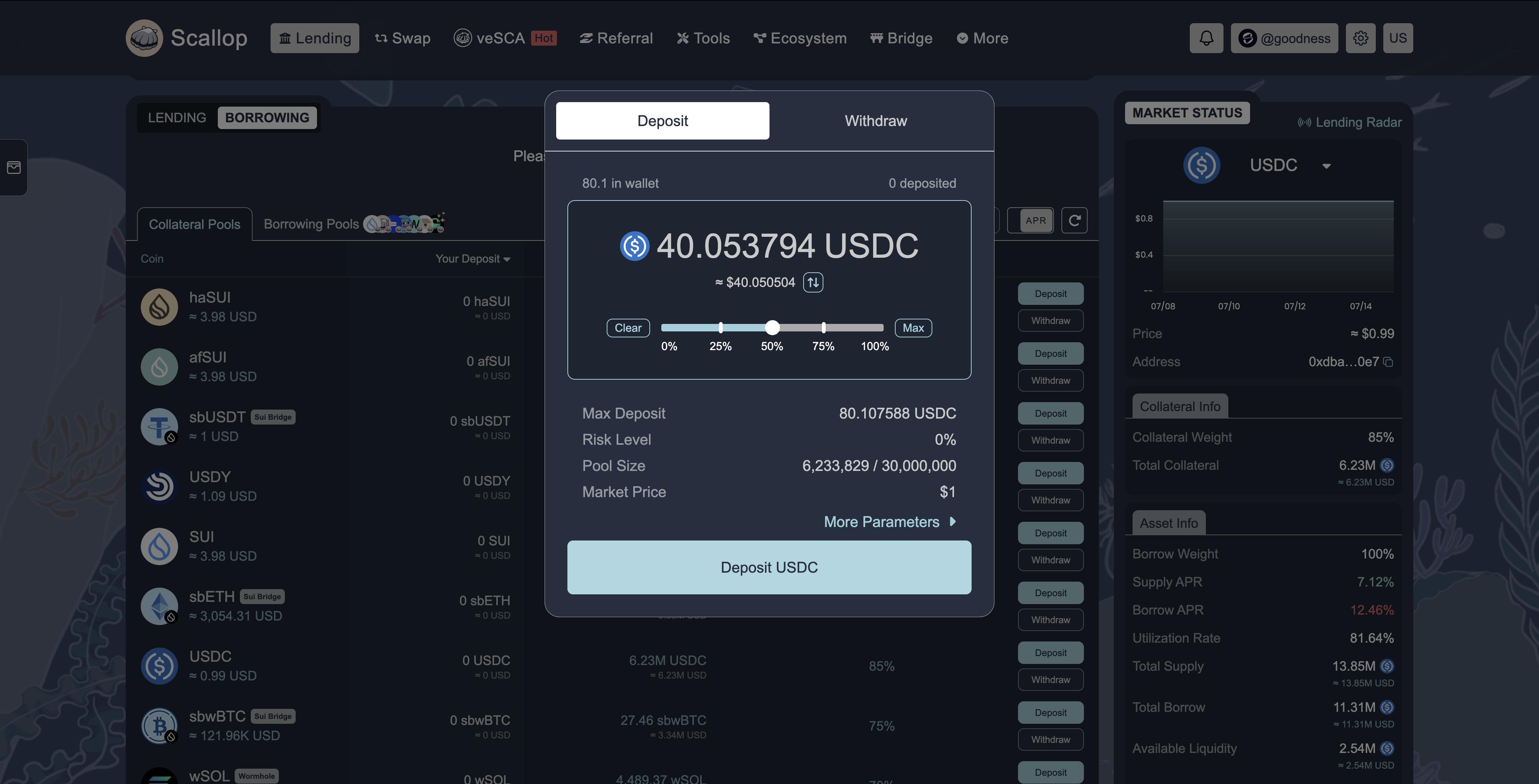
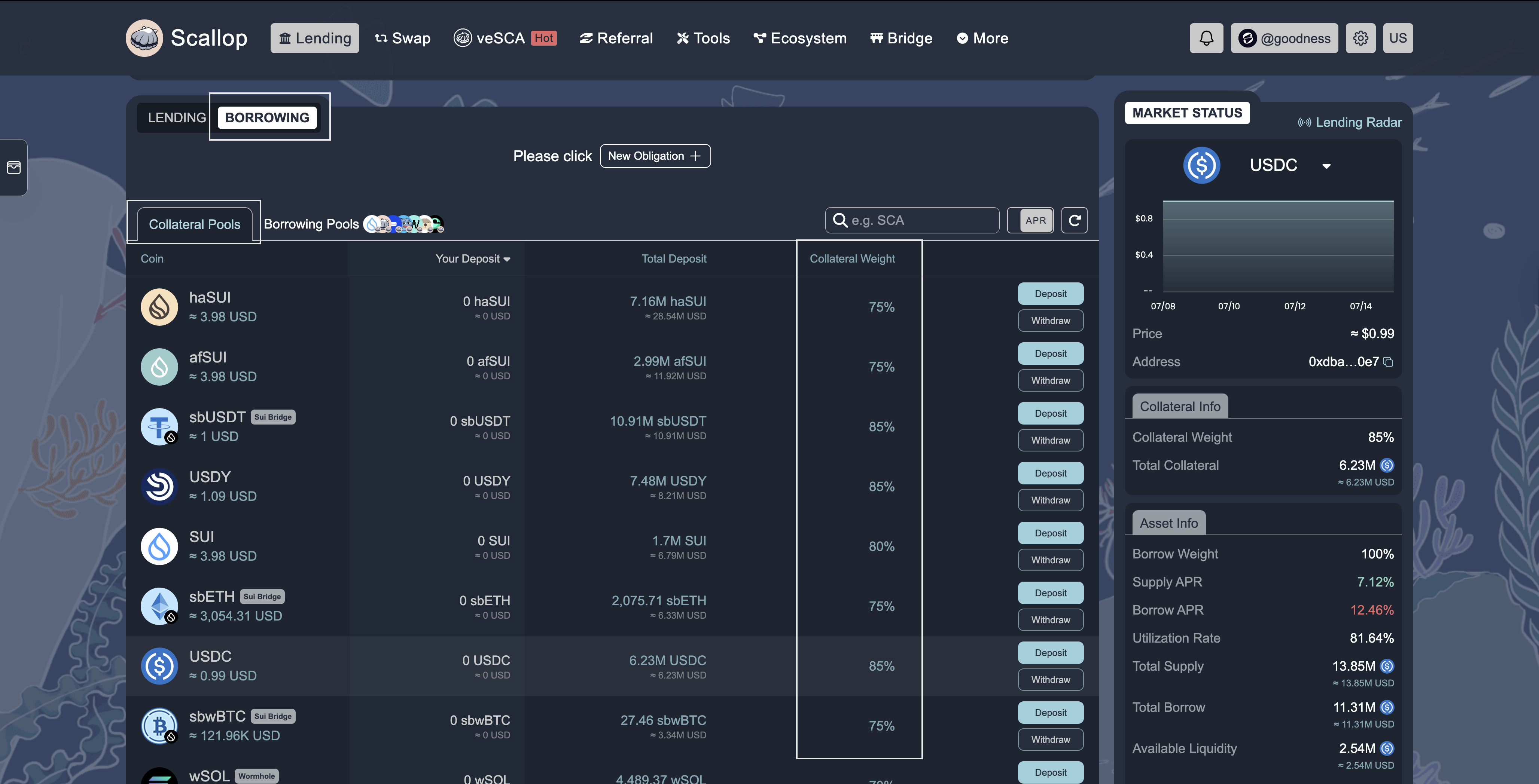 Before borrowing, you must provide collateral. Select an asset to use as collateral and deposit it into the protocol.
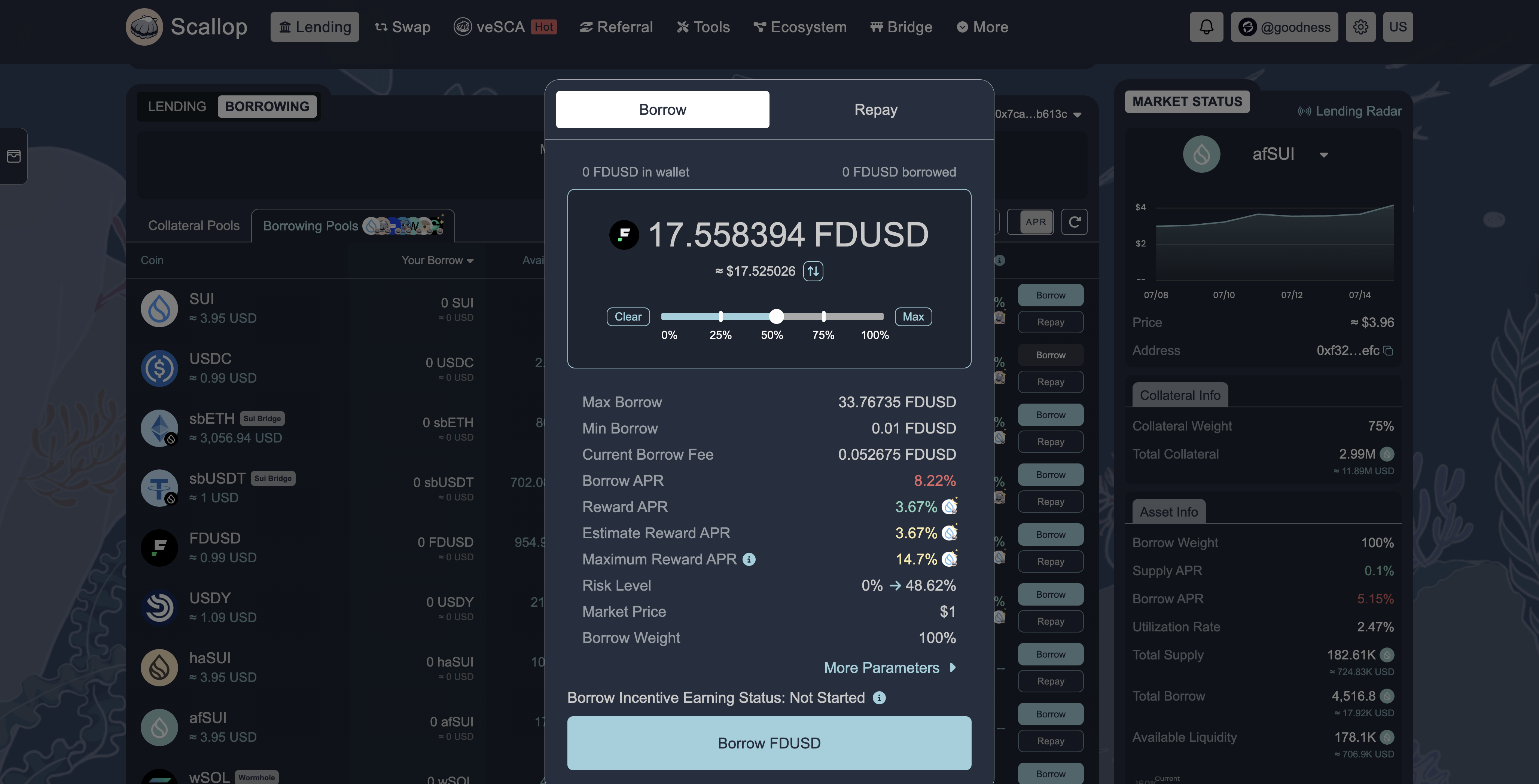
 After supplying collateral, you can borrow other assets. The amount you can borrow depends on the value of your collateral and the protocol's loan-to-value ratio.
Select the asset you want to borrow, enter the amount (staying within your borrowing limit), and confirm the transaction in your wallet.
After supplying collateral, you can borrow other assets. The amount you can borrow depends on the value of your collateral and the protocol's loan-to-value ratio.
Select the asset you want to borrow, enter the amount (staying within your borrowing limit), and confirm the transaction in your wallet.
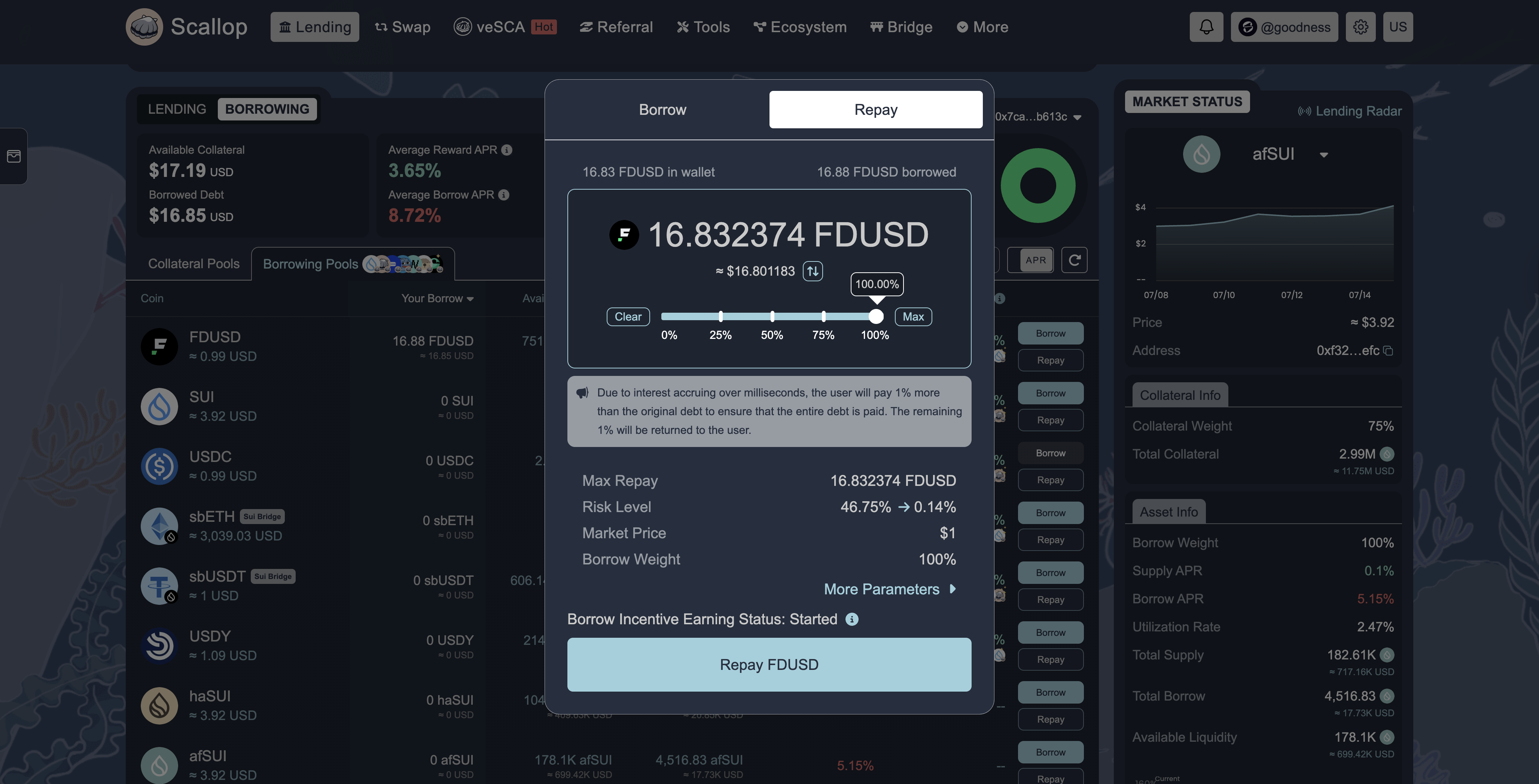
 To avoid liquidation, monitor your health factor and repay your loans on time. Toggle "Repay", select the borrowed asset, enter the amount you wish to repay, and confirm the transaction.
Simply select the specific asset you borrowed and repay the loan.
To avoid liquidation, monitor your health factor and repay your loans on time. Toggle "Repay", select the borrowed asset, enter the amount you wish to repay, and confirm the transaction.
Simply select the specific asset you borrowed and repay the loan.
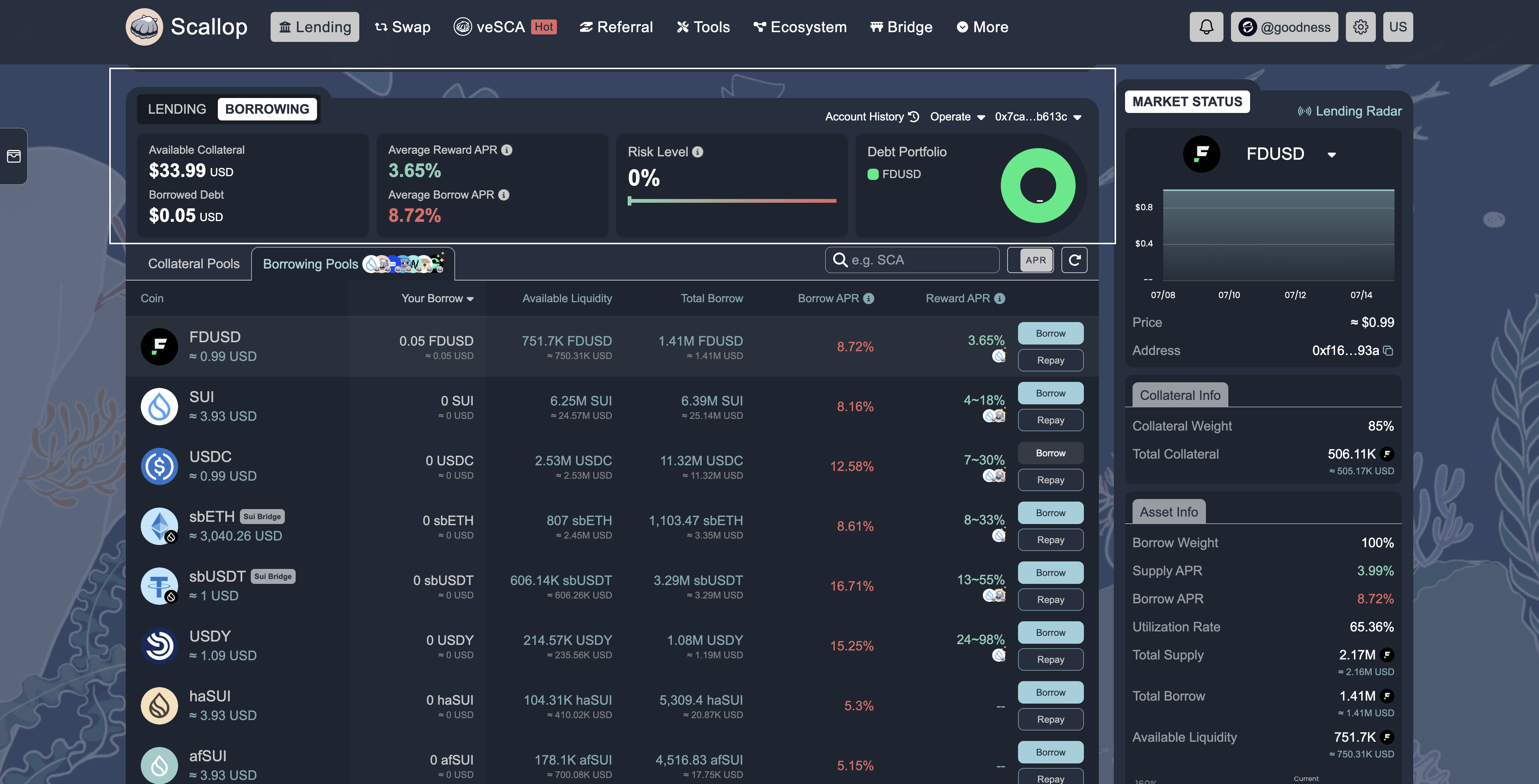
 You can view your lending and borrowing status and overview from the top section on Scallop. You'll get a complete overview of how you're fairing.
 Now that you can lend and borrow, it’s time for you to start learning about strategies like looping.